I have been using 5412ZL HP Procurve switches for some time and recently noticed an alarming issue in my config. If I mistakingly logged into the switch multiple times and did not close them out properly I would be greeted with the following message:

If I had access to the console port that might be something but this switch was located offsite in a locked room.
First snmpwalk the tcpConnState, the example below is for a community name “private”, version 1 snmp ” -v 1 “, ip address “1.1.1.1”, and the OID of “tcpConnState” :
snmpwalk -c private -v 1 1.1.1.1 tcpConnState
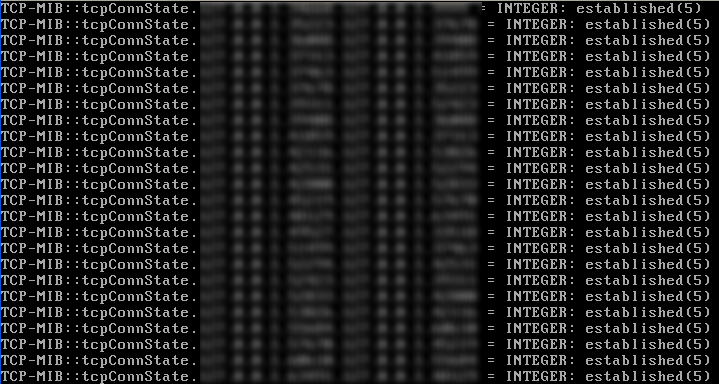
this will return all the connections listening or active, the troublesome ones should be at the end in the form with the switchport equal to 23 in the format tcpConnState.switchip.switchport.telnetclientip.telnetclientport
run the following command to kill each connection
snmpset -c private -v 1 1.1.1.1 tcpConnState.1.1.1.1.23.clientip.clientport i deleteTCB
Hope this helps…

Leave a Reply